Salesforce
Provide FLS permission to Profile
Quick tip: Run a short browser console script on a profile's FLS page to check all permission checkboxes at once instead of clicking manually through every field.
· 1 min read
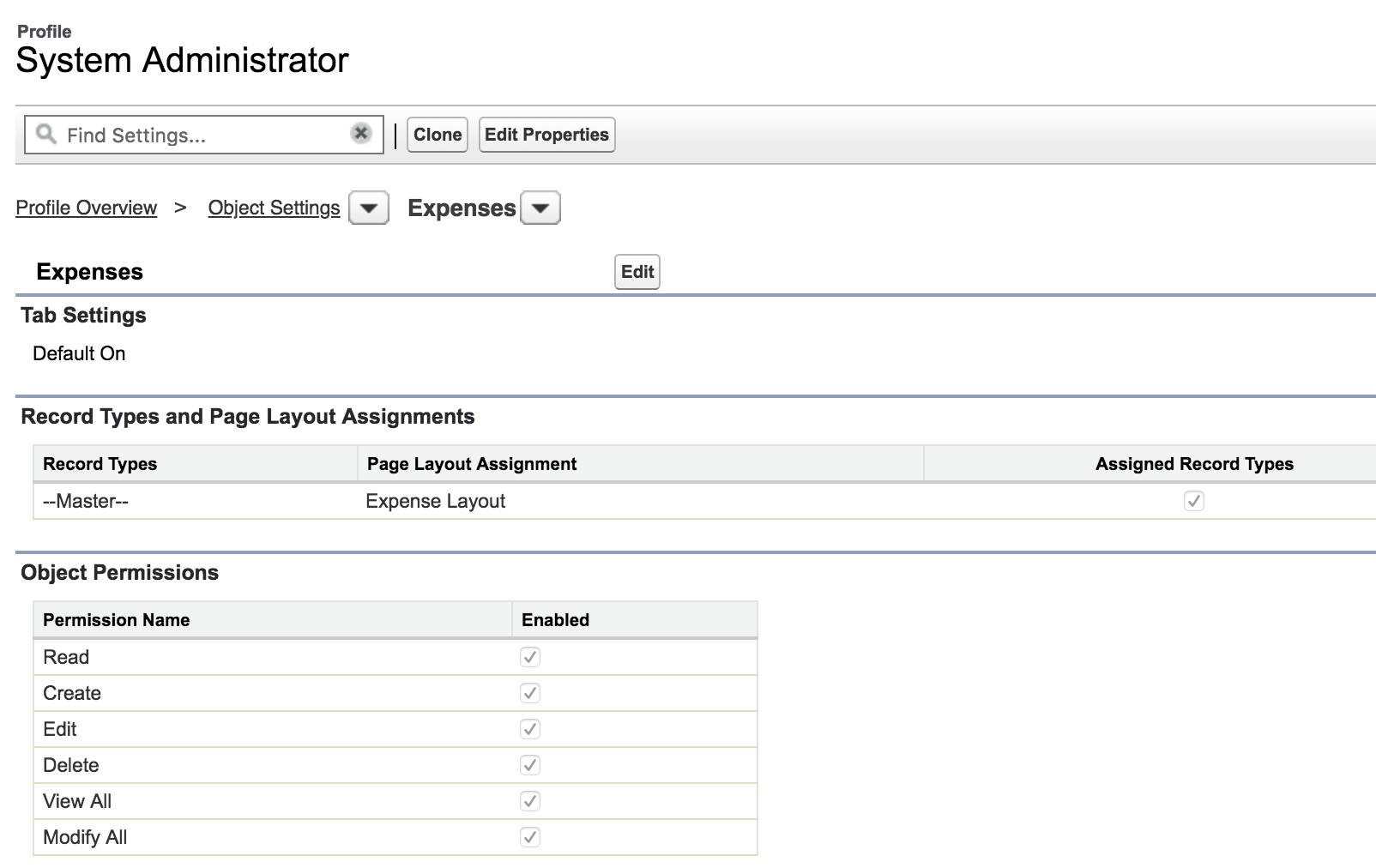
Here is a simple tip to check all checkboxes in a page. I found this particularly useful in granting FLS permission to a profile. Go to your profile > Object Settings > The object you want to add FLS to & click on edit button,  Open Developer Console. If you are using Google Chrome, it is available in Menu > More tools > Developer Console
  Enter the following code snippet in the Console and hit enter, This will check all checkboxes in the page,
  Save your page.